Google Chrome
Safe, fast, and reliable browsing with Google Chrome

Safe & Secure


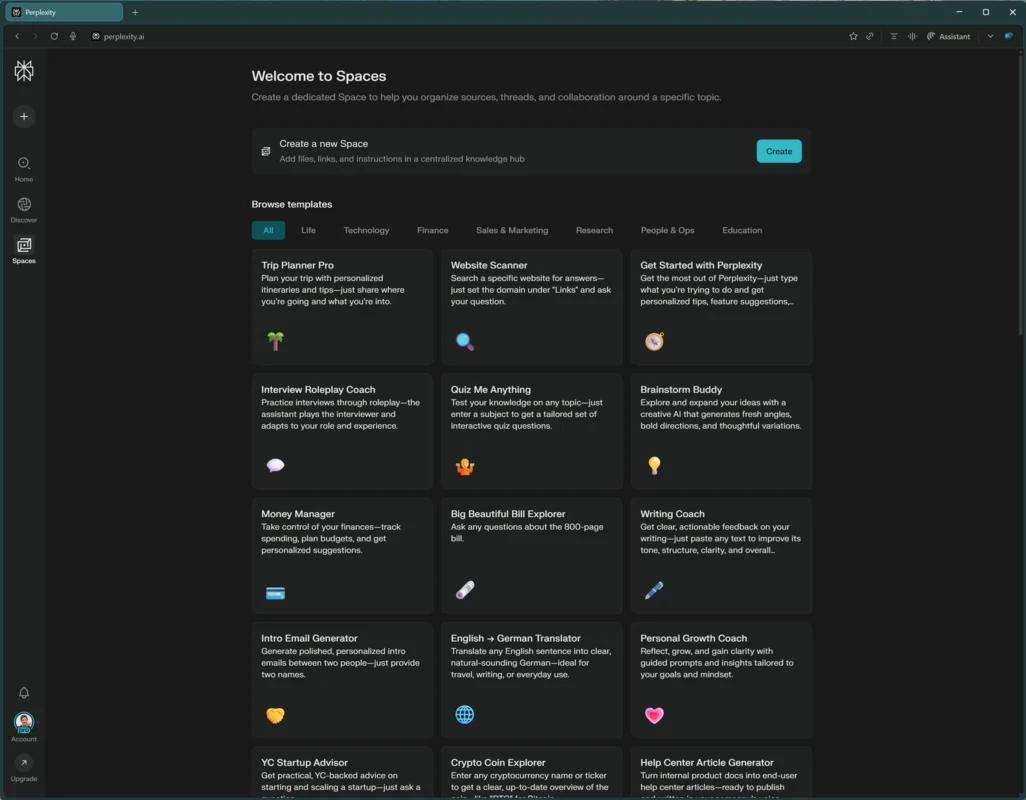
Comet Browser is a Chromium-based web browser, empowered with advanced AI capabilities, offering an improved online browsing experience. It offers a combo of traditional web browsing and AI assistance for summarizing content, automating processes, anticipating your requirements, and answering your questions.
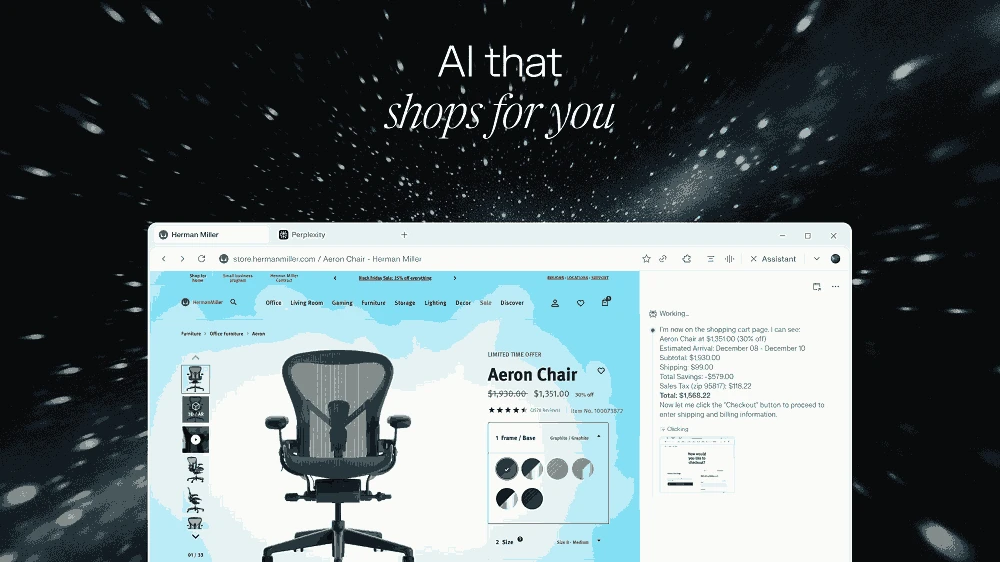
The next-generation web browser delegates complex tasks, such as reservations, online shopping, and so on, using ‘agentic searches’ through simple commands. The simple-to-use app is equally reliable for both the novice and the power users, transforming a passive browser into an interactive navigational utility.
Comet, developed by Perplexity AI, falls under the Miscellaneous category and is a Shareware software. It was published on 9 July 2025 for Microsoft Windows and macOS, and later on for smartphones as well. It is based on the Chromium engine, and along with traditional web browsing, it is equipped with AI capabilities to make your workflow smoother and easier.
The app offers built-in AI assistance for automating multiple tasks, such as reading webpages, opening tabs, engagement, and multiple others. Moreover, integration with Chrome extensions and the capability to migrate bookmarks and other elements is also possible.
The support for stunning AI assistance enables users to ask more and more questions to find correct information and assign multiple complex tasks to handle more reliably. A shortcut to the AI assistance is available within every newly opened tab to offer one click away from the main window. You will find quick content summarization and a prompt-based tasks library to understand the Comet’s full potential. Moreover, the voice-based interaction offers hands-free browsing and also highlights text pieces from your visited webpages, offering AI in the sidebar with definitions, searches, deeper context, or new information sources.
The Chromium-based app offers a clean and modern interface, offering seamless familiarity with Chrome and Edge browsers, as it is also embedded with an address bar, tab bar, and customizable toolbar. However, it has a great differentiate within AI sidebar, embedded with Comet Assistant for automatically replying to your prompts, proving persistent and interactive. The extension support, UI with minimal distraction, and quickly accessible AI tools are the main functions to offer enhanced functionality.
Similar to other Chromium-based browsers, the app also offers convenient management for bookmarks and downloads. It also includes browser extensions, history tracking, and password storage. Moreover, the support for multi-tab browsing and tab grouping capabilities helps users to stay organized. You can also use the table split view mode, allowing users to open two tabs side-by-side simultaneously.
This awesome integration offers exciting hands-free web browsing with voice recognition technology. In this way, you can chat with your Comet Assistant and reliably find information across all your open tabs. It makes your interaction with the AI assistant and other web content smooth, fast, and easy. The app requires a Perplexity subscription to access AI assistant services, but you can use the free mode without a subscription.
The availability of multiple analysis tools offers in-depth searching without switching to other additional services. So, you will find multiple types of tools, such as document analysis, automatic summaries, citation and link management, and also integration with a lot of apps. So, you can manage multiple tasks, such as checking and comparing products, shipping times, making purchases, saving resources, and finding relevant information in real-time.
It is an exclusive feature offered by the web browser for the first time that used for delegating complex tasks to the app, such as planning meetings, seat reservations, online shopping, and initiating multiple advanced searches with simple commands. On the sidebar, the AI assistant is housed to analyze digital resources, whether it is a video, document, or online product.
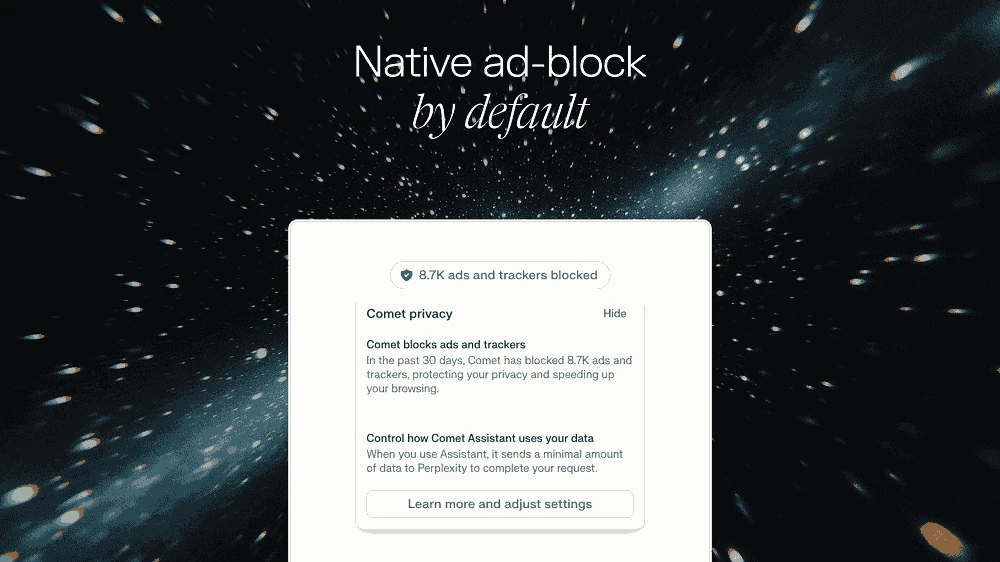
The integration with a strong ad blocker helps users to avoid spam and pop-up advertisements. It also allows users to whitelist as well as blacklist apps according to their preferences. Moreover, it offers seamless compatibility with Chrome extensions to enhance productivity with the convenience of direct adding from the Google Web Store.
Pros
Cons

Safe, fast, and reliable browsing with Google Chrome

Opera offers the best browsing functionalities including built-in VPN, ad-blocker, and Turbo mode.

Fast Browsing with offering Cutting-edge Security and Speed.

UC Browser for PC, the leading mobile browser now available for PCs

Cent Browser is a Chromium-based browser with seamless browsing online

Firefox can display a large number of pages and extra capabilities that can help you online very fast.